
ℹ️ - Ghost of Yotei Photo Mode Gets Shutter Speed
Developer: Sucker Punch Productions
Publisher: Sony Interactive Entertainment
Platform: PS5
Initial Release: 2nd October 2025
Digital copy provided for PS5 by Sony Interactive Entertainment

Ghost of Yōtei just received its first major update with patch 1.100, adding New Game+, replayable content, new cosmetic items, and harder difficulty modes. Virtual photographers though, will probably be most interested to hear about the photo mode enhancements that are included too.
Building on the existing options, several new ones have slotted into the now lengthy list – sorry if you were hoping, bust custom lighting isn't amongst them. From top to bottom then, here's every new photo mode feature added in the 1.100 update.

Colour Grading Filters
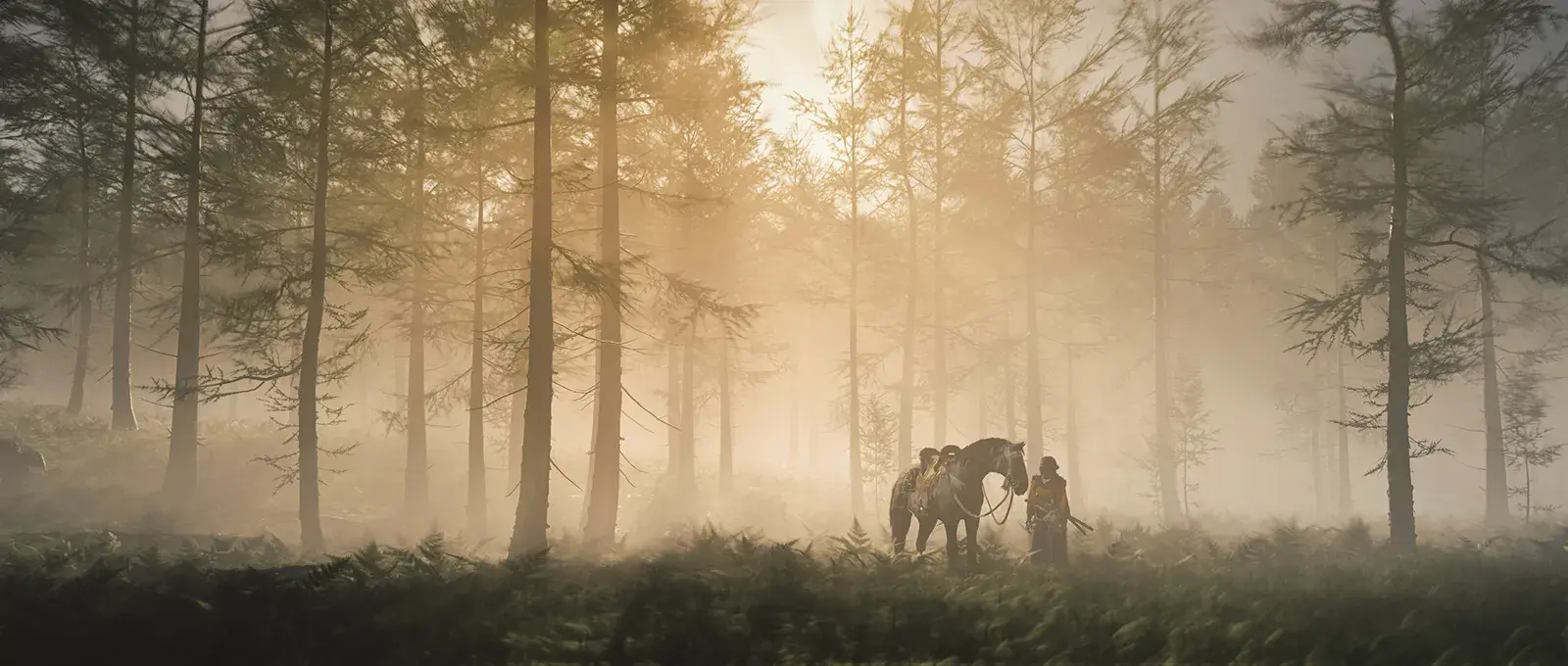
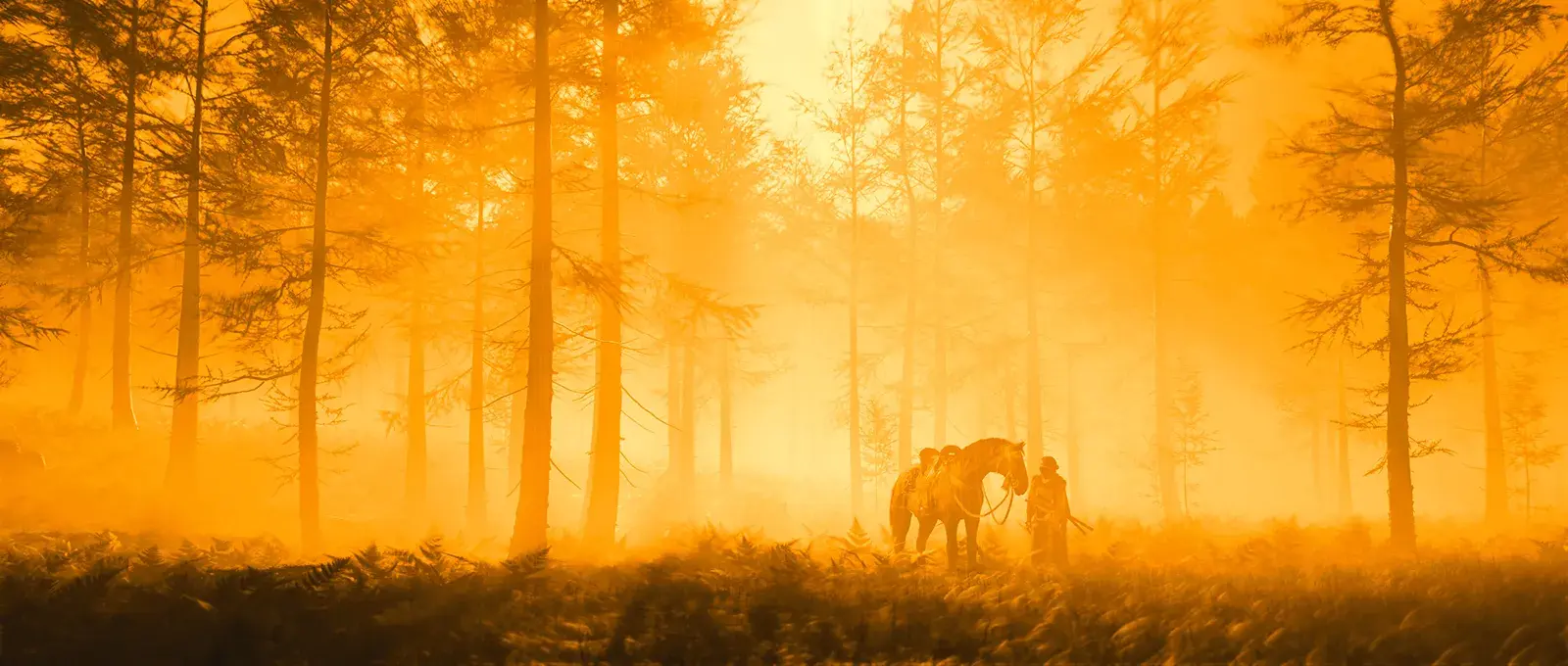
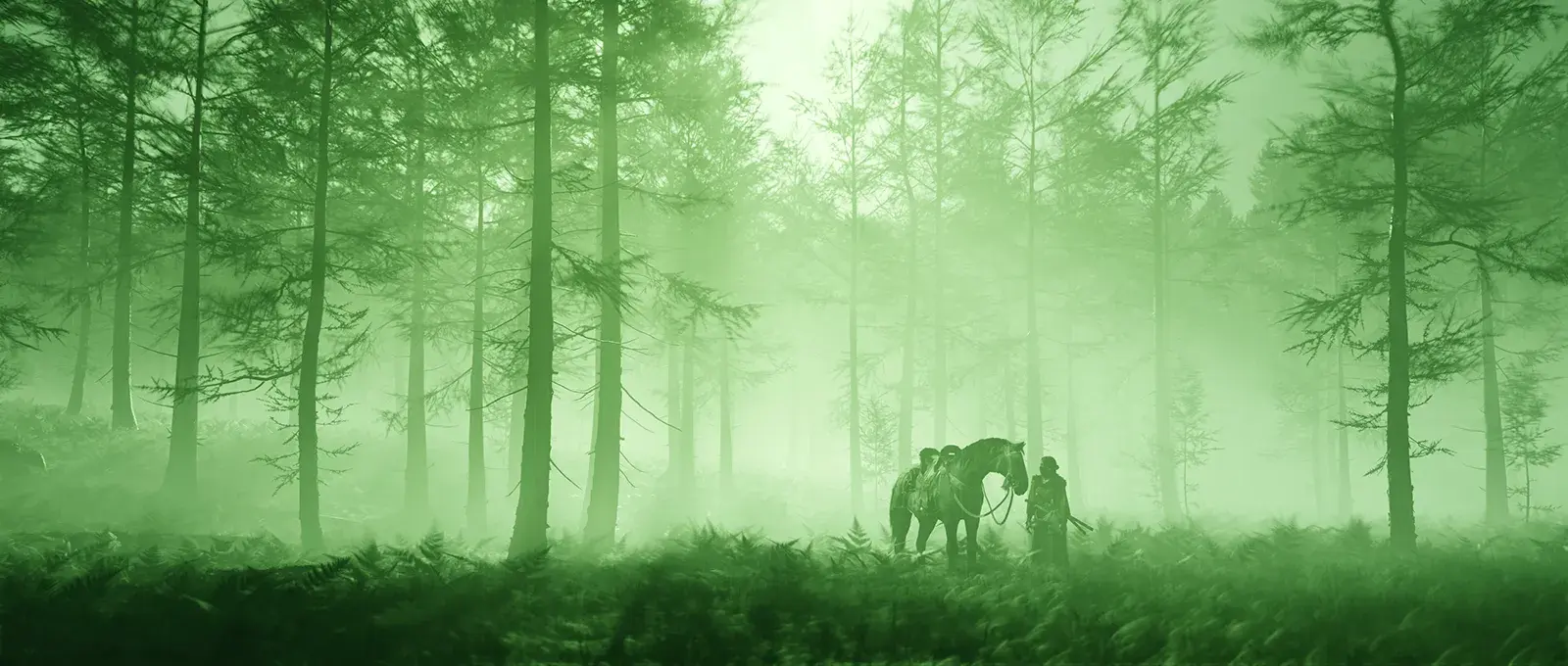
In addition to the 10 preset filters that already exist, the update adds another 5 for a total of 15 colour grading options. From the new styles, Morning Wolf, Onryō, and Jade Storm offer single colour casts, while Sakura Blossom and Ezo Sky are usefully low contrast options with muted colours and matte blacks.
Whichever you choose, remember that the Colour Grading Intensity slider can be used for a more subtle effect.


Kurosawa Mode
This homage to the legendary Japanese film maker, Akira Kurosawa, was previously a visual option for the gameplay and now the toggle is making its long-requested way into the photo mode as well. You can now switch the Kurosawa rendering on / off while composing a shot for a vintage black & white look, complete with animated film grain, scratches, and dust.
The only trade-off is that the other colour grading filters are disabled to make sure there's no sullying of the classic style.

Shutter Speed
With the amount of movement to be found in the Ghost of Yōtei photo mode, the implementation of shutter speed has some great potential. A lot of that is realised too, with shutter speeds from 1/60 s to 8 s, plus an unlimited open shutter option, this new setting will easily let you capture motion blur on moving objects. The catch is that those objects have to be moving within the photo mode.
The animated environments are obviously perfect for this with flowing water, waving foliage, smoke, and floating particles all blurring nicely as their motion is blended across multiple frames – the longer the shutter speed, the smoother the blur. With no buffer of previous or upcoming gameplay frames though, motion blur on a katana blade during combat is sadly out of the question.

Interestingly, it is also possible to move the camera and alter various settings during a long exposure, meaning things like ghost images, blurred paths, stacked lightning, and streaking rain all become possible. It certainly takes some trial and error and a fair amount of pre-planning of how to handle the slowly developing image, but there is potential to get really creative here.

Horse
The preview trailer seemed to suggest that we might see some extra character options such as poses for Atsu, but that's unfortunately not the case. What we do have is an option to show / hide her horse, assuming of course that the horse is present before entering the photo mode.
Oh, and it's not possible to make the horse disappear while riding it – you know you were thinking it.

Composition Grid
A new grid overlay can now be found right below the aspect ratio option to aid with your compositional balance. The main lines show the traditional thirds grid, while thinner lines divide each third down the middle horizontally and vertically.
It's nice to see too, that the size of the grid does respond to changes in the aspect ratio, making sure that it is always relevant to the size and shape of the frame.

Graphics Mode
The last new photo mode feature in this update is another one that is making its way over from the main game settings. It's now possible to switch between the Quality, Performance, and Ray Tracing graphics modes from the photo mode itself, leaving you free to choose the best visual option for a shot regardless of which mode you use for gameplay.

That's all for now then, but if Sucker Punch's approach to Ghost of Tsushima is anything to go by, don't be surprised if the studio has a few for tweaks and changes still on the way. Especially around the launch of the already confirmed Legends multiplayer mode.


Subscribe to the regular newsletter for all the latest features from TheFourthFocus.com


I've been dying for proper shutter speed controls since launch, so seeing 1/60s to 8s finally arrive in patch 1.100 has me rushing back into photo mode tonight. I was actually using a chronological age calculator earlier and realized it's been embarrassingly long since I first wanted this feature in a Sucker Punch game. Kurosawa Mode being available for stills now is the perfect excuse to start a whole new album.
The overall experience with this game was quite enjoyable. I liked how quickly the basic gameplay became familiar and how easy it was to navigate through the interface. The Jai Club Register different features add some variety, which helps prevent the experience from feeling repetitive. It seems like a good option for players who prefer simple mechanics and an organized gaming environment.
Franchement, pour instagram video indirme, aujourd’hui c’est beaucoup plus simple qu’avant. Plus besoin d’installer des applis ou de chercher des méthodes compliquées, tout se fait directement en ligne.
Franchement, pour instagram video indir, c’est devenu vraiment simple aujourd’hui grâce aux outils en ligne. Avant, il fallait installer des applications ou passer par des méthodes compliquées, mais maintenant ce n’est plus du tout le cas.